
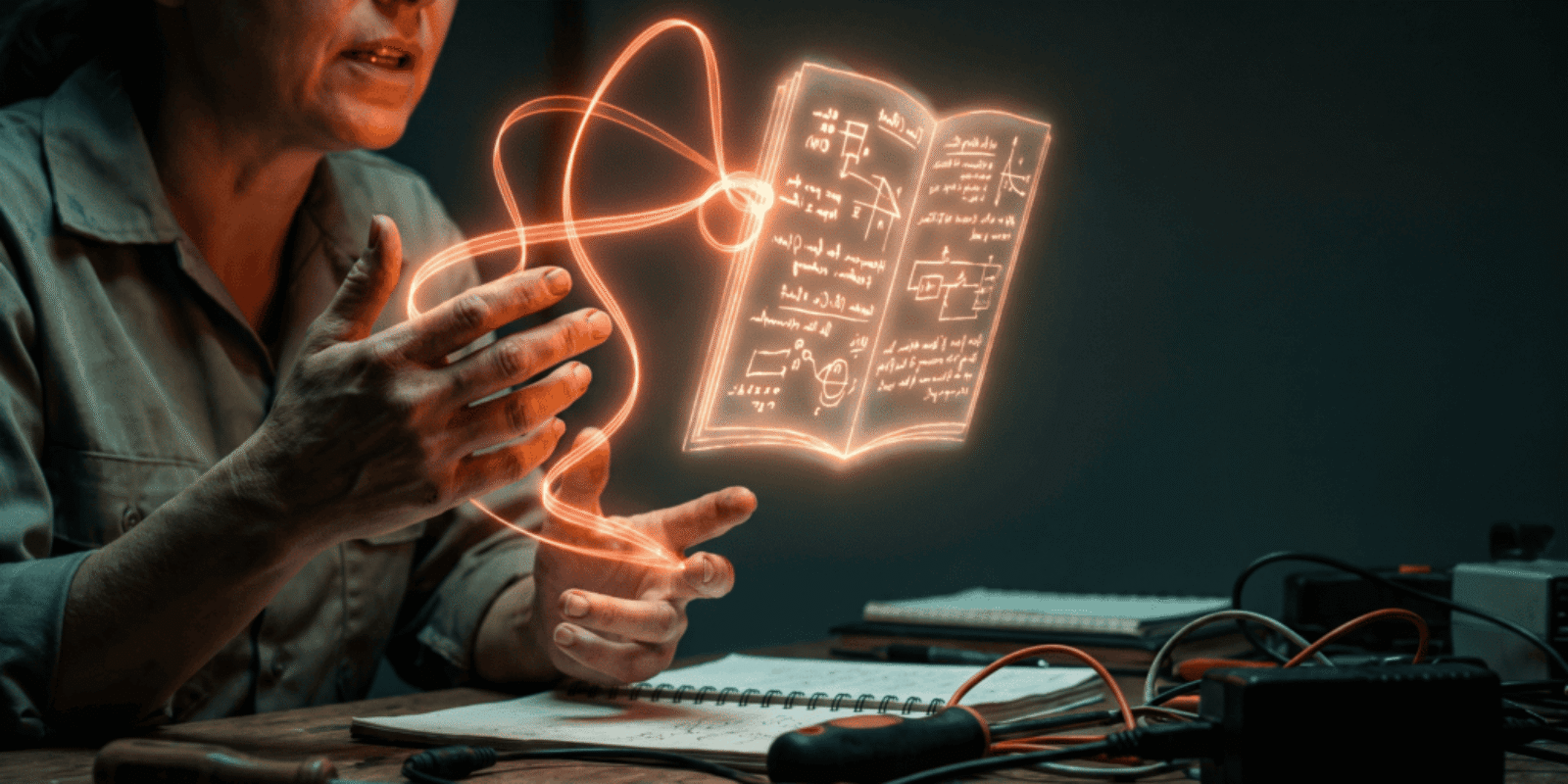
The short version: On July 21, Anthropic added a feature called Record a Skill to the Claude desktop app. You record your screen while you do a task, talk through what you are doing as you go, and Claude converts that demonstration into a reusable skill it can run later without being walked through the steps again. It is on the Pro, Max, and Team plans, desktop only. For a small business, the automation is the smaller half of the story. The bigger half is that the recording forces you to say a process out loud that has probably never been written down anywhere, and that is worth something whether or not you keep the automation running.
Most AI applications for small business arrive as a product you have to learn. This one arrives as a request to explain yourself, which is a different thing, and a harder one.
What Record a Skill actually does
The feature lives inside Cowork, the workspace area of the Claude desktop app. You open the plus menu in the chat box, choose Record a skill, and then do the task yourself while your screen captures it. When you stop, Claude reads the demonstration and writes it up as a Skill: a small package of instructions it can load on its own the next time a similar request comes up.
The mechanics are less interesting than the inversion. Until now, getting reliable work out of an AI model meant describing a process in writing, in advance, in enough detail that nothing important was left implicit. That is a writing exercise, and it is the step where most owners quietly gave up. Recording replaces the writing exercise with something you already know how to do: the job.
Availability is narrower than the headlines suggest. It is on Pro, Max, and Team subscriptions, it runs in the desktop application, and it is not in the web app or on mobile. If you have only ever used Claude in a browser tab, you do not have this yet.
Why the narration is the part that matters
A silent screen recording captures motion. It shows a cursor moving through fields in an order, and an AI watching it can reproduce the order. What it cannot see is why.
The rules of a small business live almost entirely in the exceptions. You always check whether the customer is on the net-30 list before you send the invoice. You never quote the standard rate for the two accounts that predate the price change. If the deposit is under a certain number you skip the approval step, and above it you stop and ask. None of that is visible in the pixels. It only exists if you say it while you work.
That is why this is worth the twenty minutes even if you are skeptical of the automation. Anthropic’s own documentation describes a Skill as being organized like “an onboarding guide you’d create for a new team member.” That is not a metaphor they reached for accidentally. What comes out of a narrated recording is a training document that happens to be machine-readable. Read from the other direction, it is the handover file you have been meaning to write since the last time someone was out sick.
Which AI applications for small business actually fit this?
Not everything. The tasks that repay a recording share three traits: you do them often, they follow rules you could state if pressed, and a mistake is annoying rather than expensive.
That points at a fairly boring list, which is the point. Renaming and filing the batch of documents that arrives every Monday. Pulling the same four numbers out of a report and dropping them into the same tracker. Turning a finished job into a formatted follow-up email that matches how you actually write. Reconciling a supplier statement against your own records and flagging the lines that disagree.
What is not on the list: anything where the wrong answer costs you a customer, anything involving a judgment call you would not delegate to a second-week employee, and anything that touches money leaving the business without a human looking at it first. The boundary is the same one you would draw for a new hire, because the skill is going to be about as literal as one.
The catch: you cannot simply hand the skill to your team
This is the part that gets skipped in the coverage, and for a business with employees it is the part that decides whether any of this scales.
Anthropic’s documentation is direct about it. Custom Skills on claude.ai are individual to each user. They are not shared organization-wide, and they cannot be centrally managed by admins. Skills also do not sync across surfaces, so something built in one place is not automatically available in another. In practice, recording a skill on your laptop does not deploy it to your office manager’s laptop. Somebody has to repeat the setup.
Which returns us to the thesis. If the automation cannot be distributed but the written process can, then the written process is the asset. The recording is the cheapest way anyone has yet built to produce one. Keep the document, use the automation where it fits, and do not confuse the two.
What to record first
Pick the task you would be most annoyed to explain to someone on a Friday afternoon. That annoyance is a reliable signal that the process is real, repeated, and undocumented.
Then narrate like the listener is competent but new. State the rule before you apply it. Say the exception out loud even when you are not hitting it on this particular run, because a rule you only mention when it fires is a rule the skill will learn as a coincidence. And test the result on a fresh example before you trust it with anything that matters, the same way you would check a new hire’s first three attempts rather than their first one.
One more habit worth keeping. Anthropic’s guidance on Skills warns that they should only come from sources you trust, since a skill can direct the model to run code and use tools. That applies with full force to skills you download from strangers. It applies less to ones you recorded yourself, which is a decent argument for building your own rather than collecting other people’s. We covered the broader version of that question in what to ask before giving any AI tool more access.
The pattern underneath
Every few months a release lands that looks like a new capability and is really a new demand. This one demands that you know your own business well enough to describe it in real time. Plenty of owners will find that they cannot, at least not on the first take, and that discovery is more valuable than the feature.
It also fits a run of evidence pointing the same direction. When OpenAI shipped a training program for small business owners rather than another model, the bottleneck it was aiming at was knowledge, not tooling. When adoption surveys keep finding that most small businesses use AI daily while almost none have written down what is off-limits, the same gap shows up from a different angle. The models have been good enough for a while. What has been missing is the part only the owner can supply.
Record a Skill does not replace anyone. It takes the thing your most experienced person knows and has never written down, and it makes writing it down take twenty minutes instead of an afternoon that never comes. That is time given back, and a business that is slightly less fragile the next time someone is out.
Frequently Asked Questions
Do I need a paid Claude plan to use Record a Skill?
Yes. The feature launched on July 21, 2026 for Pro, Max, and Team subscribers, and it runs inside Cowork in the Claude desktop application rather than the browser version. It is not available on mobile. If you have been using the free tier in a web tab, you will need both a paid plan and the desktop app installed before the option appears in the plus menu.
What kind of task should I record first?
Choose something you repeat at least weekly, that follows rules you could state out loud if someone asked, and where a mistake would be irritating rather than costly. Document filing, pulling recurring numbers into a tracker, and drafting routine follow-up emails all qualify. Avoid anything involving money leaving the business, anything a customer sees without review, and anything requiring judgment you would not hand to a second-week employee.
Can my team use a skill I recorded?
Not automatically. Anthropic’s documentation states that custom Skills on claude.ai are individual to each user, are not shared organization-wide, and cannot be centrally managed by admins, and that Skills do not sync across surfaces. Each person who wants the same skill has to set it up on their own machine. This is why the written process the recording produces is more durable than the automation itself.
Is it safe to record a workflow that touches customer data?
Treat it exactly as you would treat handing that workflow to a new employee, because the recording captures whatever is on your screen. Close unrelated tabs, use a test record rather than a real customer where you can, and keep skills that touch sensitive systems narrow in scope. Anthropic also warns that Skills should only come from trusted sources, since they can direct the model to run code and use tools.
Here is the question we keep coming back to: if you recorded yourself doing your most repeated task tomorrow, would the narration reveal a clean process, or would it reveal that the rules change depending on who is asking? Tell us what you find.



Process Documentation Template: Cut It to Five Fields - AI Era News
August 16, 2026 @ 9:59 am
[…] Which is a reasonable argument for starting in whatever document tool you already pay for, writing the five fields into it, and revisiting the question of software after you have ten of these and can no longer find the current one. For a single task, particularly a physical one where the format matters more than the filing, the shorter route is a visual work instruction built from a recording. If you would rather narrate a process than write it, screen recording has become the cheapest way to get a first draft out of your head, which we covered in the case for recording yourself instead of writing it up. […]